Behringer X18 Digital Mixer (Wireless Board)
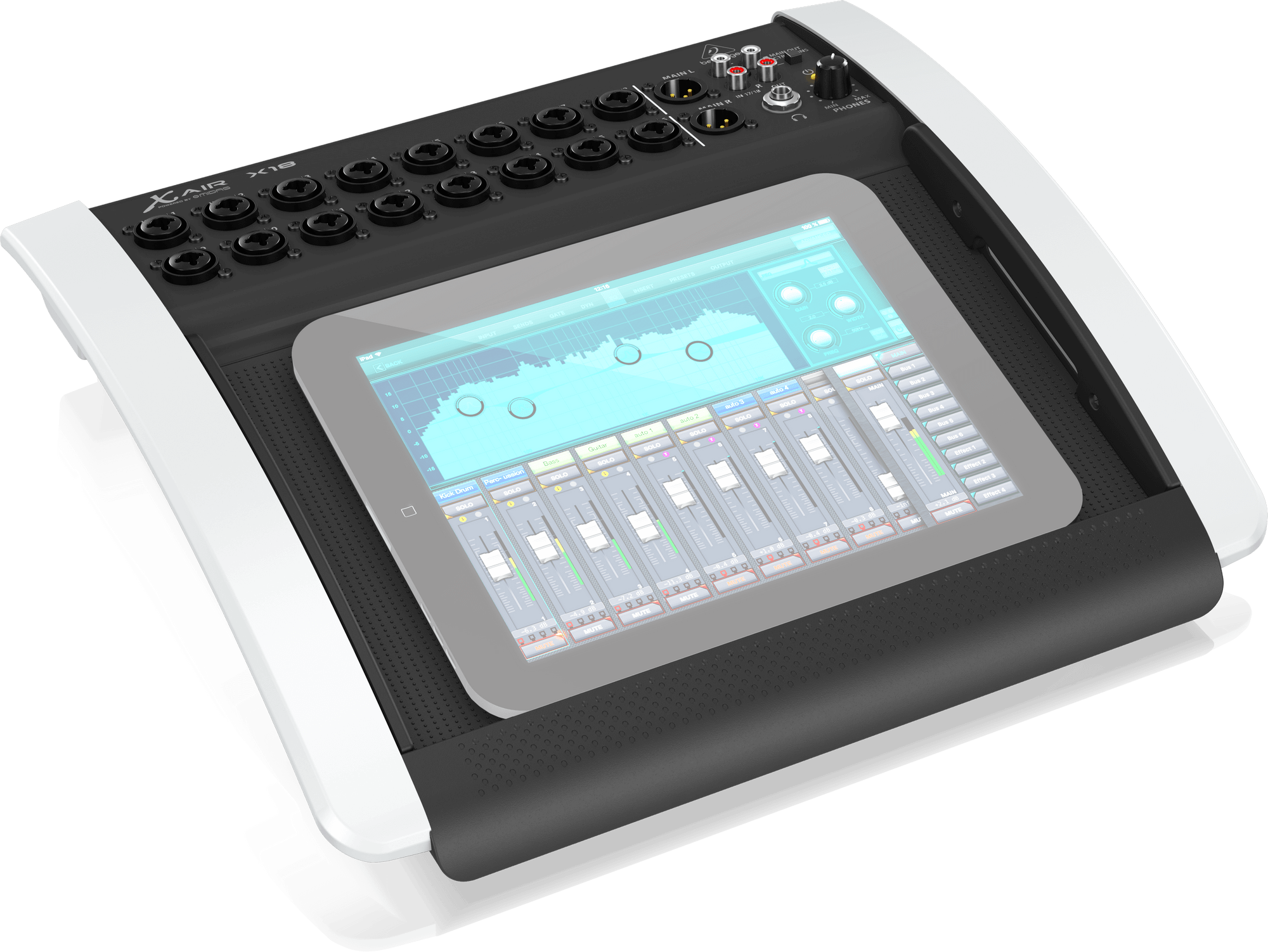
Digital sound board with 18 inputs. You need to use the iPad to control it wirelessly as it doesn't have physical controls. The Router is needed to connect to the board wirelessly.
warning
BUS outputs for monitors aren't working as intended; Use another sound board if you wish to use monitors.
What we use it for?
Moderately advanced audio mixing for events and performances like coffee houses, performances with a lot of inputs, etc.
Where it is?
On the projector cart or on the big sound board in the corner.
Basic usage
- Plug in the board and power it on.
- Plug in the router and power it on.
- Connect the router to the ethernet port on the back of the board via the ethernet cable.
- On the iPad, connect to the wifi "Tech Team Only Wifi".
- Open the X Air app on the iPad.
- In the app, the board will appear once its connected to the wifi.
- Select the board and Voila!
- Plug in a XLR cable from the board's main outputs to the caf sound board or a speaker.
- Plug in any microphones or instruments to the inputs to the board.
Manuals and further reading
note
The Manual and the Quick Start Guide are also for all of the X Air series boards, so some parts may not apply to the X18.